Auto-Save
Notes save automatically as you type. Never lose your thoughts with instant on-device backup.
Private. Offline. Secure. Just notes.
AES-256 Encrypted • PIN Lock • Private Vault • 🌍 10 Languages • Offline
Every note is encrypted with AES-256, keys secured in the Android Keystore. No account required, no cloud sync, no internet needed. Your notes never leave your device — and even on your device, they're encrypted at rest.
Notes save automatically as you type. Never lose your thoughts with instant on-device backup.
AES-256 encryption protects every note automatically. Set a PIN lock and store sensitive notes in a Private Vault for extra security.
Speak your thoughts and let Scrib transcribe them. Quick, hands-free note-taking whenever you need it.
System, light, or dark mode. 5 accent colors. 16 note colors for organization.
Small, medium, or large text. Accessible for everyone, everywhere.
No internet required — ever. Your notes are always available, stored securely on your device and never sent anywhere.
Screen reader friendly with TalkBack support. Designed for everyone to use comfortably.
No ads. No tracking. No data collection. A truly private notes app.
Privacy features side by side — an honest look
| Feature | Scrib | Google Keep | Samsung Notes | OneNote |
|---|---|---|---|---|
| AES-256 encryption | Automatic | No | No | No |
| Works offline | Always | Partial | Yes | Partial |
| No account needed | Yes | Google acct | Samsung acct | Microsoft acct |
| PIN lock | Yes | No | Biometric | No |
| Private Vault | Yes | No | No | Sections |
| Zero data collected | Yes | No | No | No |
| Cloud sync | No | Yes | Yes | Yes |
| Cross-platform | Android + Windows | All | Samsung | All |
Scrib doesn't do everything — but what it does, it does right. See our full comparison.
Colorful notes, powerful features, and security you can see
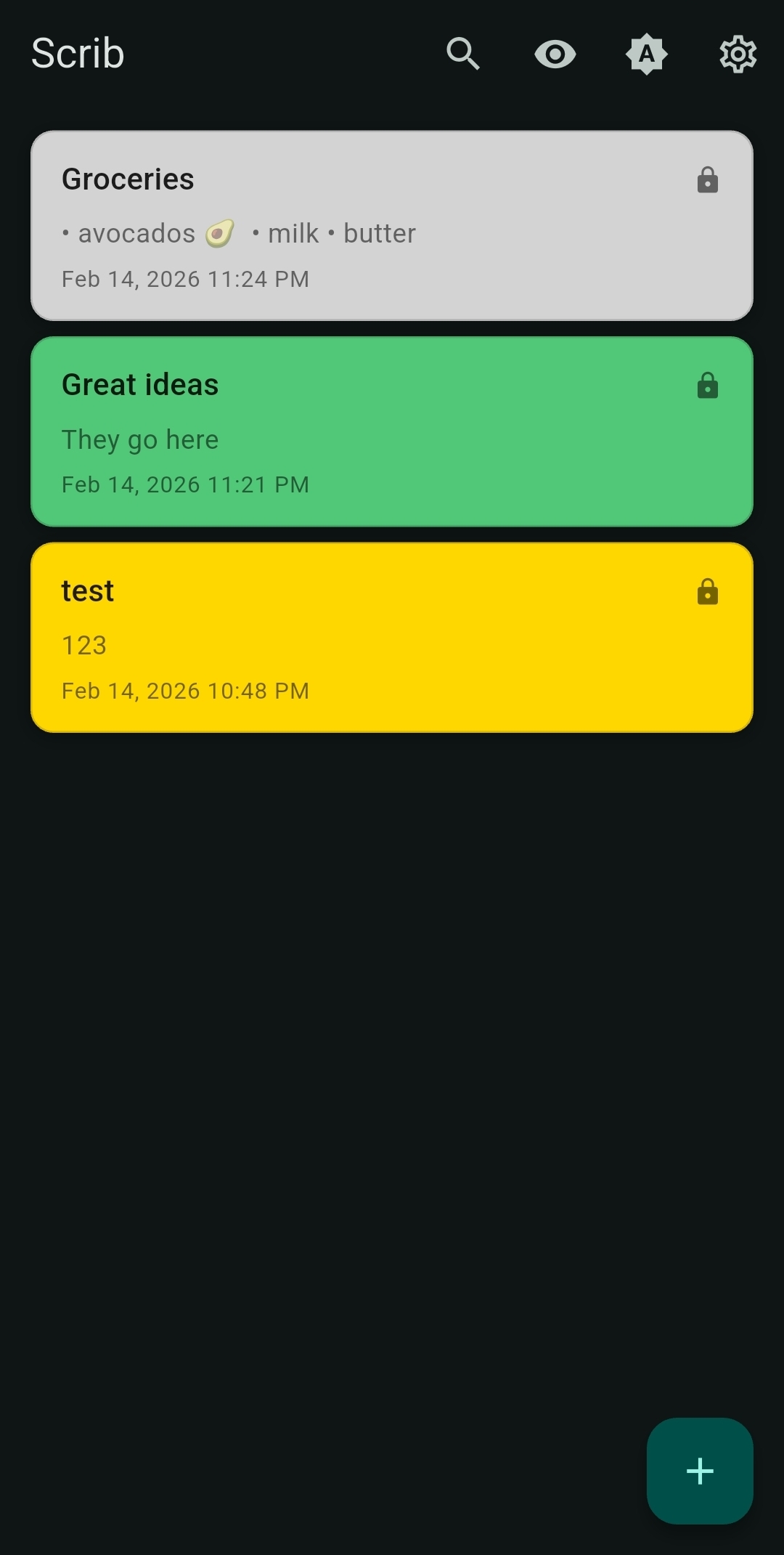
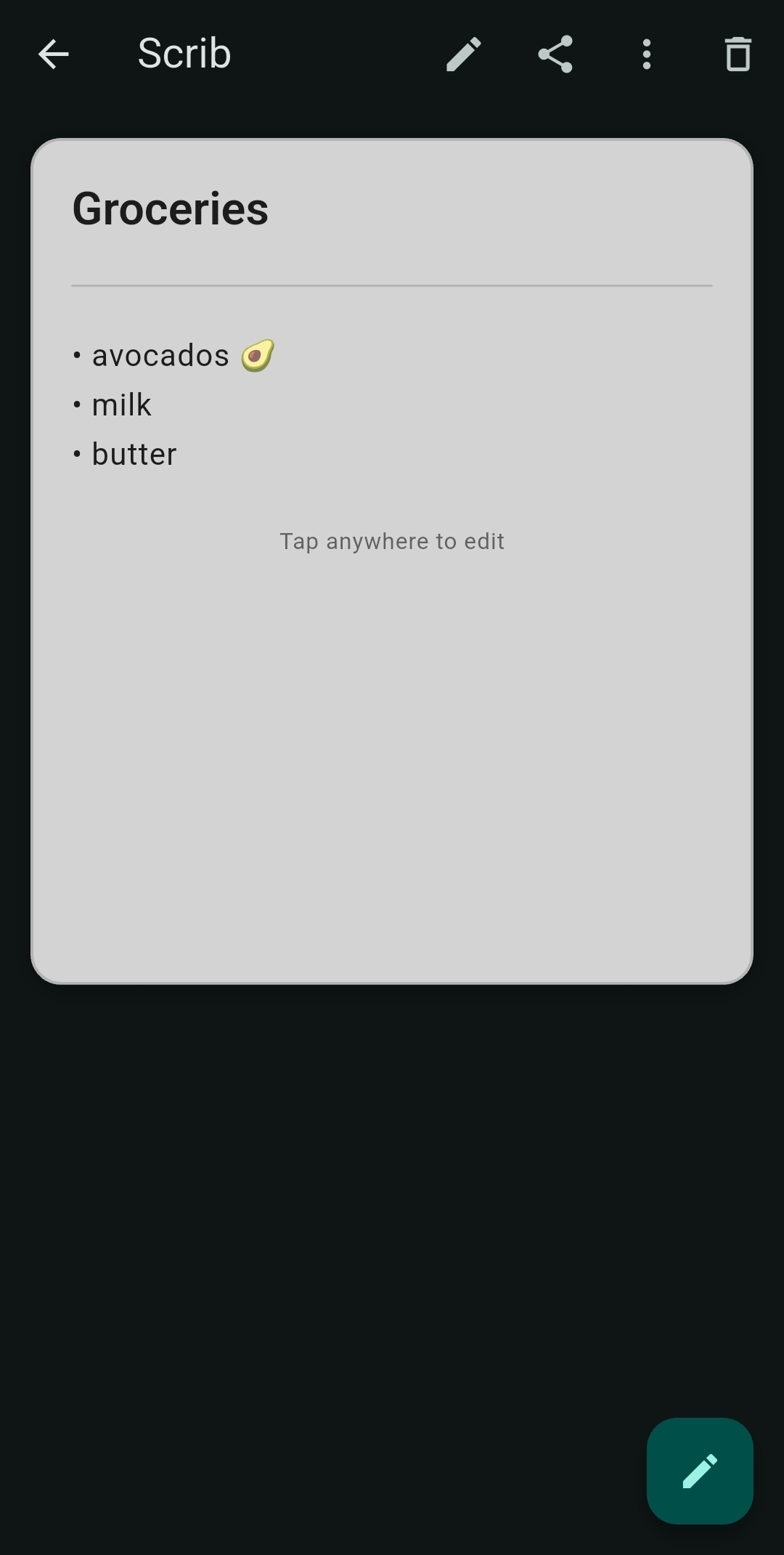
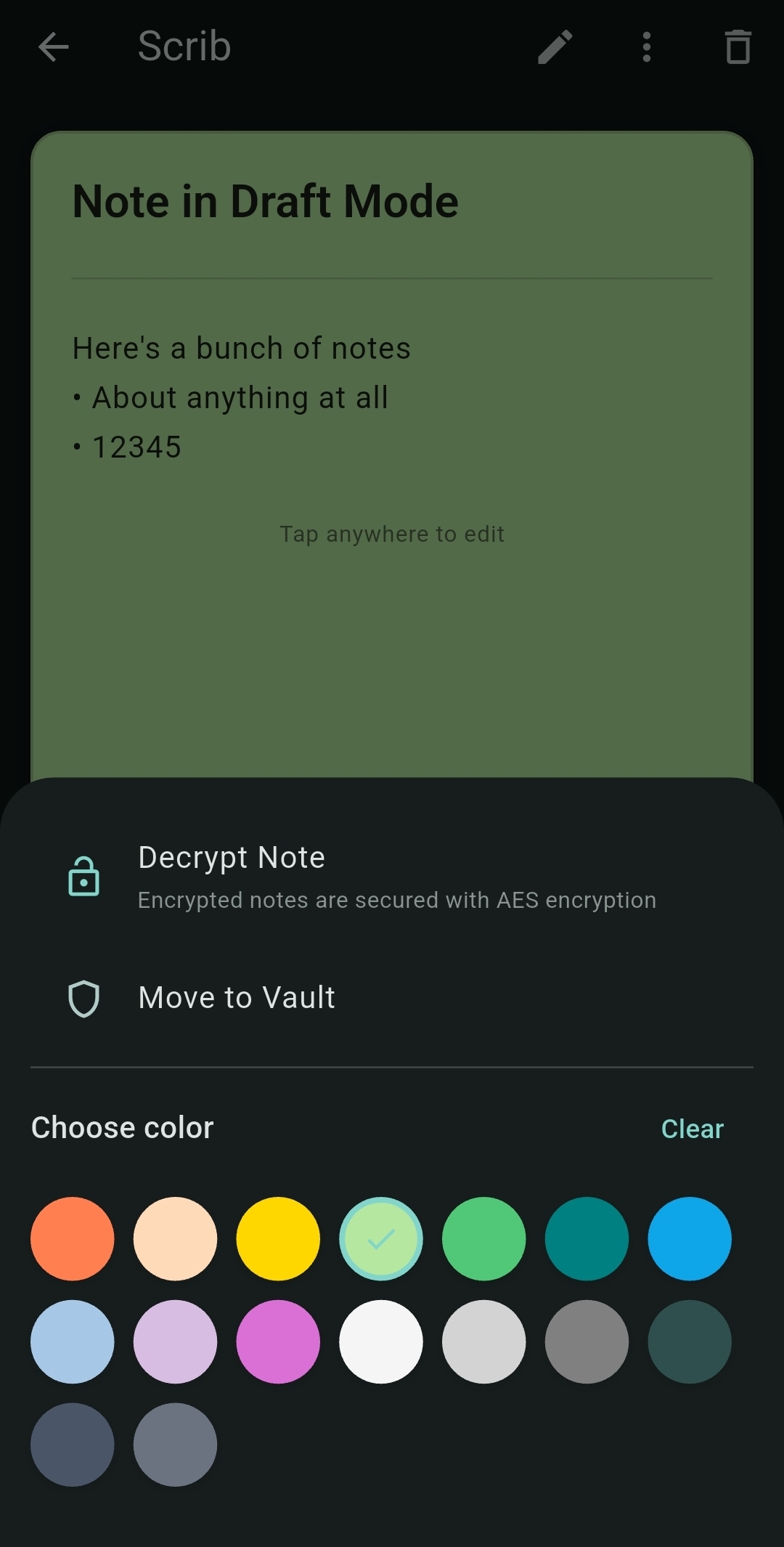
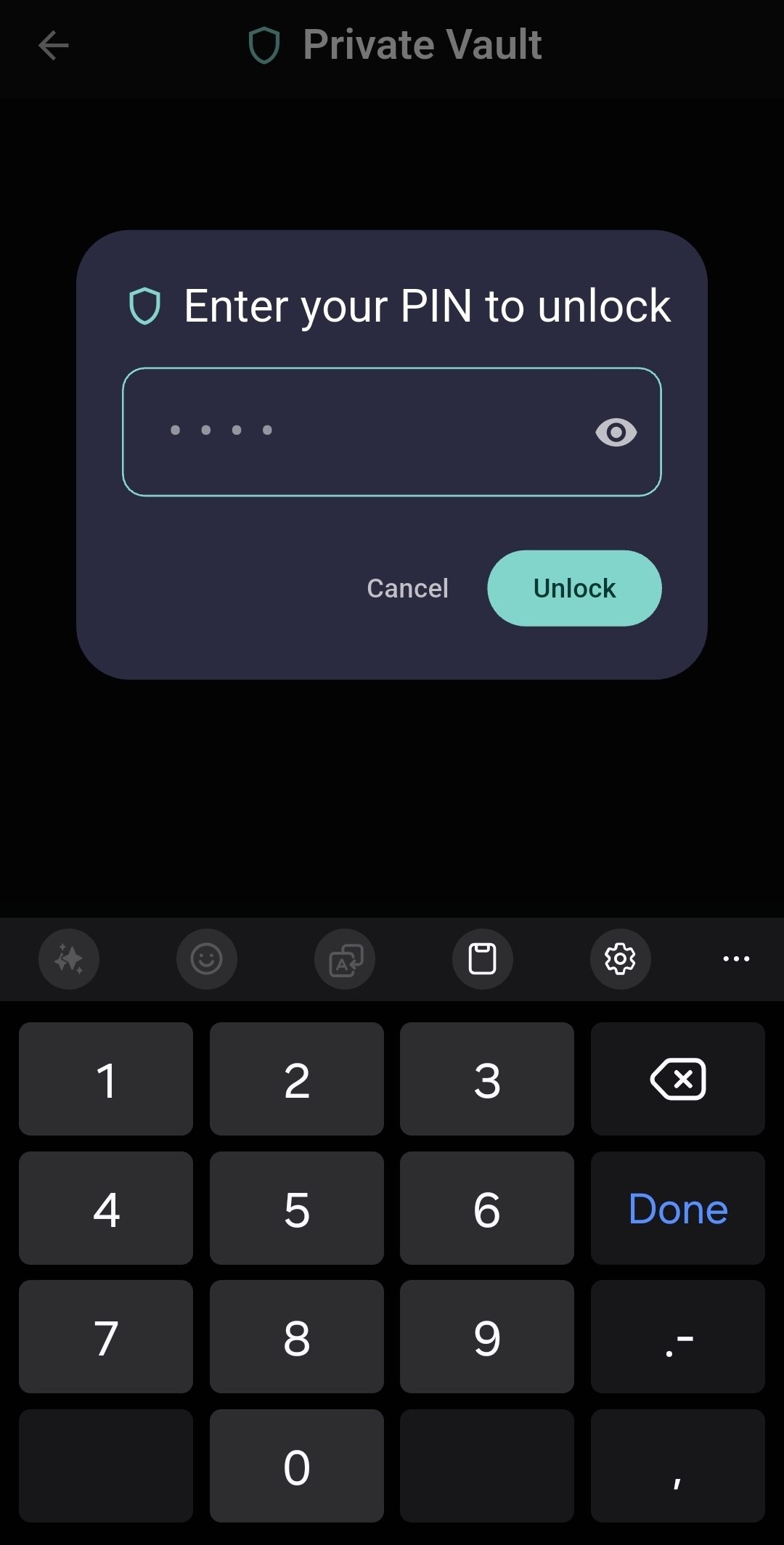
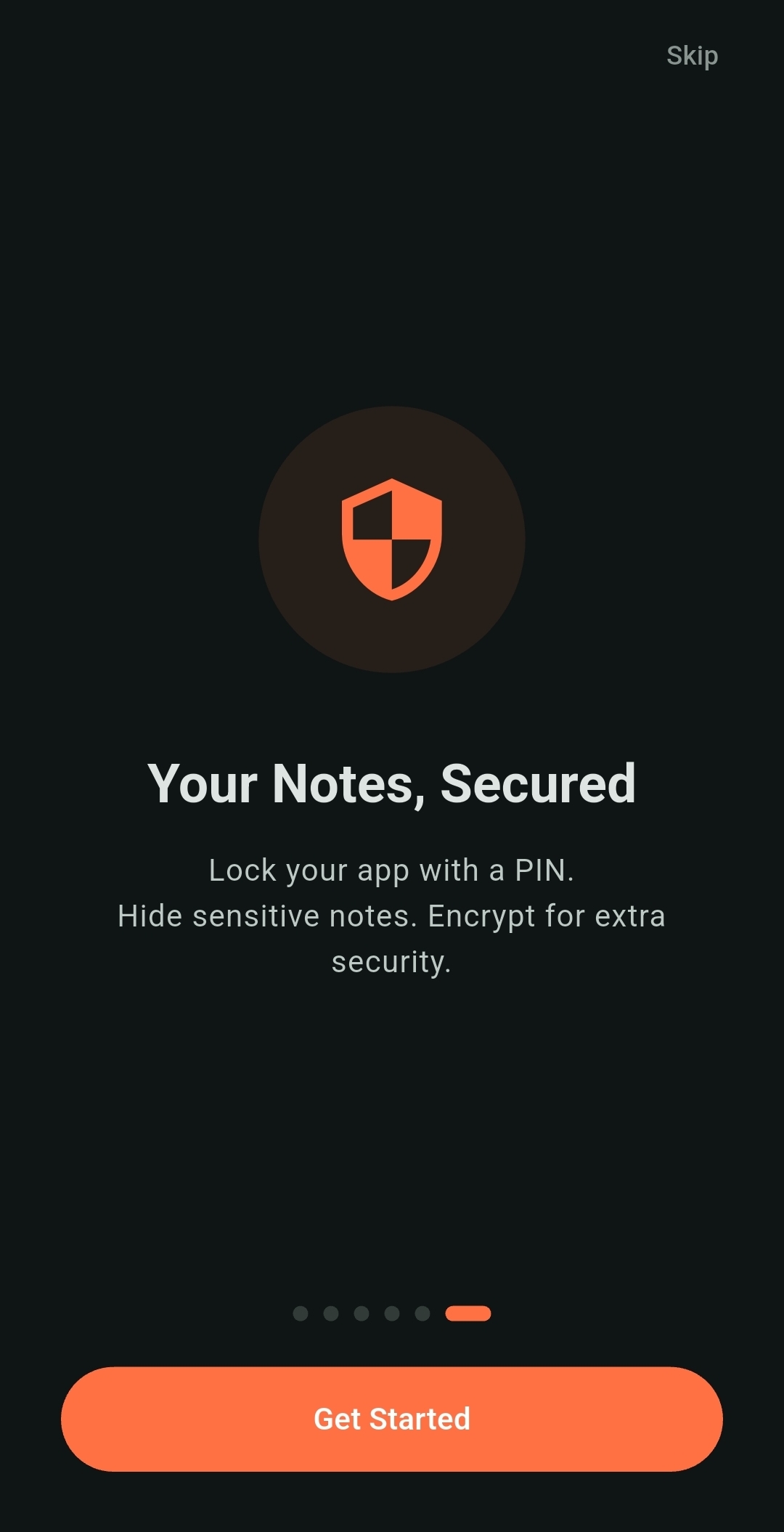
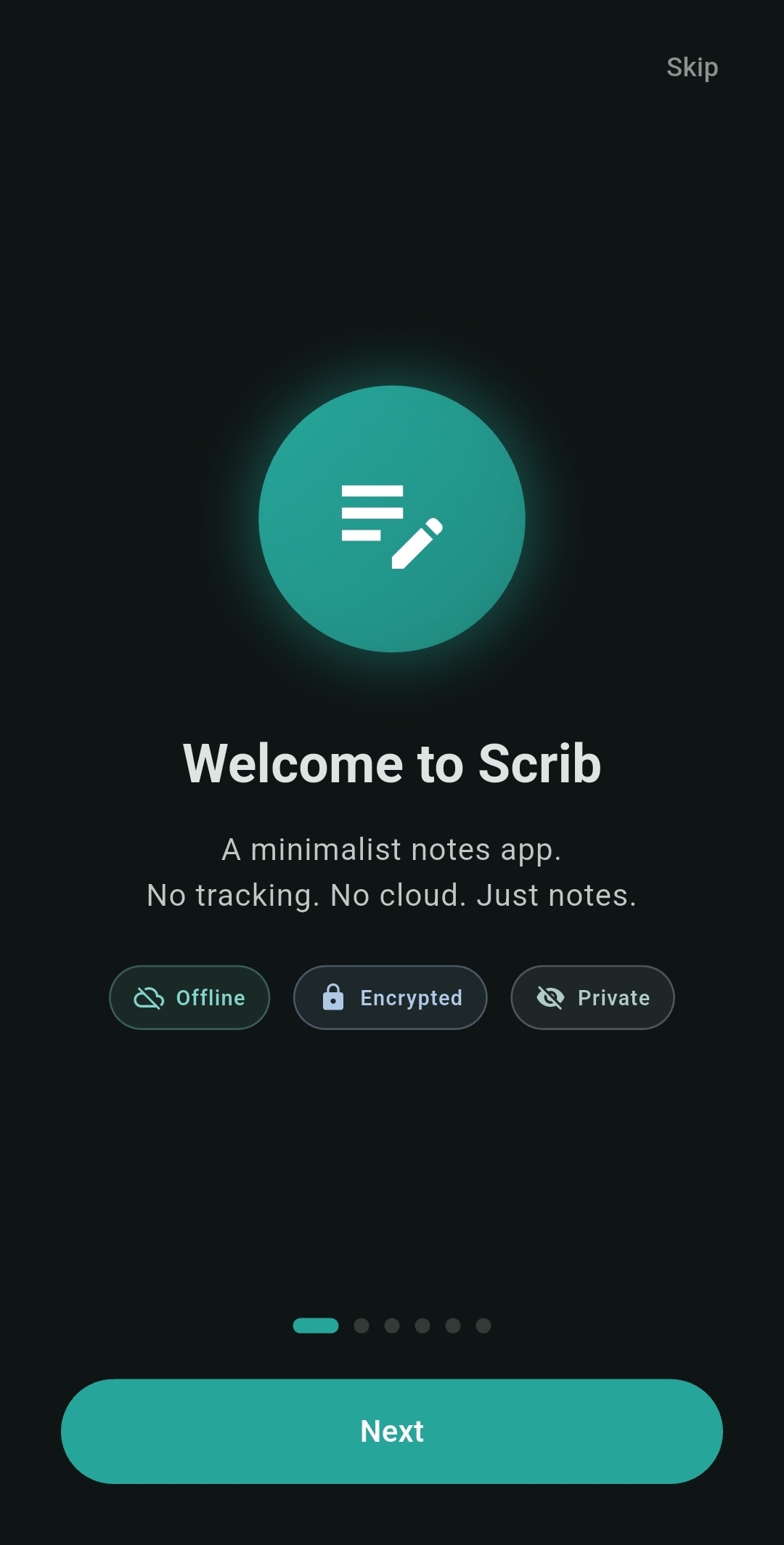
Scrib is the best encrypted notes app for Android. All notes are protected with AES-256 encryption, with keys secured in the Android Keystore. Set a PIN lock with brute-force protection, store sensitive notes in a Private Vault, and recover deleted notes from the trash. Unlike cloud-based apps, everything stays encrypted on your device — no data ever leaves your phone. A truly private, encrypted notepad with no internet required, no cloud sync, and no tracking. Perfect for users who want a secure, encrypted notes app that respects their privacy. Scrib Desktop brings the same philosophy to Windows — an open-source encrypted text editor with rich text, multi-tab, and AES-256 encryption. Learn why your notes need encryption, see how Scrib compares to Google Keep, find out whether Google Notes and Samsung Notes are actually safe, read our comparison of the best private notes apps for Android, or find the best notes app without an account.
Yes, Scrib is free with no ads or tracking. We believe note-taking should be simple and accessible to everyone.
No, Scrib stores all notes locally on your device only. Your notes never leave your phone — there's no cloud sync, no account required, and no internet connection needed.
Scrib is built with security and privacy as core principles. All notes are encrypted with AES-256, the same standard used by governments and banks. Unlike most apps, we collect zero data, require no account, work completely offline, and never track user behavior. Plus features like PIN lock, Private Vault, hidden notes, and a trash system with configurable retention.
Yes — every note gets two layers of protection. First, all notes are automatically encrypted with AES-256 the moment they're saved. This happens behind the scenes — you don't have to do anything. Second, you can add an extra layer of AES-256 encryption to individual notes for even more security. Your encryption key never leaves your device and is stored in a secure area of your phone that even other apps can't access. And since Scrib never connects to the internet, your notes can't be intercepted, leaked, or sent anywhere — ever.
The Private Vault is a separate, PIN-protected space for your most sensitive notes. Vault notes don't appear in the main notes list — they're only accessible after entering your PIN. You can move any note to or from the Vault at any time.
Yes, Scrib is fully accessible with TalkBack screen reader support, adjustable text sizes (small, medium, large), high contrast themes, and semantic markup for assistive technologies.
AES-256 encrypted. No tracking. Always private.