Auto-Save
Notes save automatically as you type. Never lose your thoughts with instant on-device backup.
Private. Offline. Secure. Just notes.
AES-256 Encrypted • PIN Lock • Private Vault • Offline
🍎 iPhone📱 Android💻 Windows
Every note is encrypted with AES-256, keys secured in the Android Keystore or the iOS Keychain. No account required, no cloud sync, no internet needed. Your notes never leave your device, and even on your device, they're encrypted at rest.
Notes save automatically as you type. Never lose your thoughts with instant on-device backup.
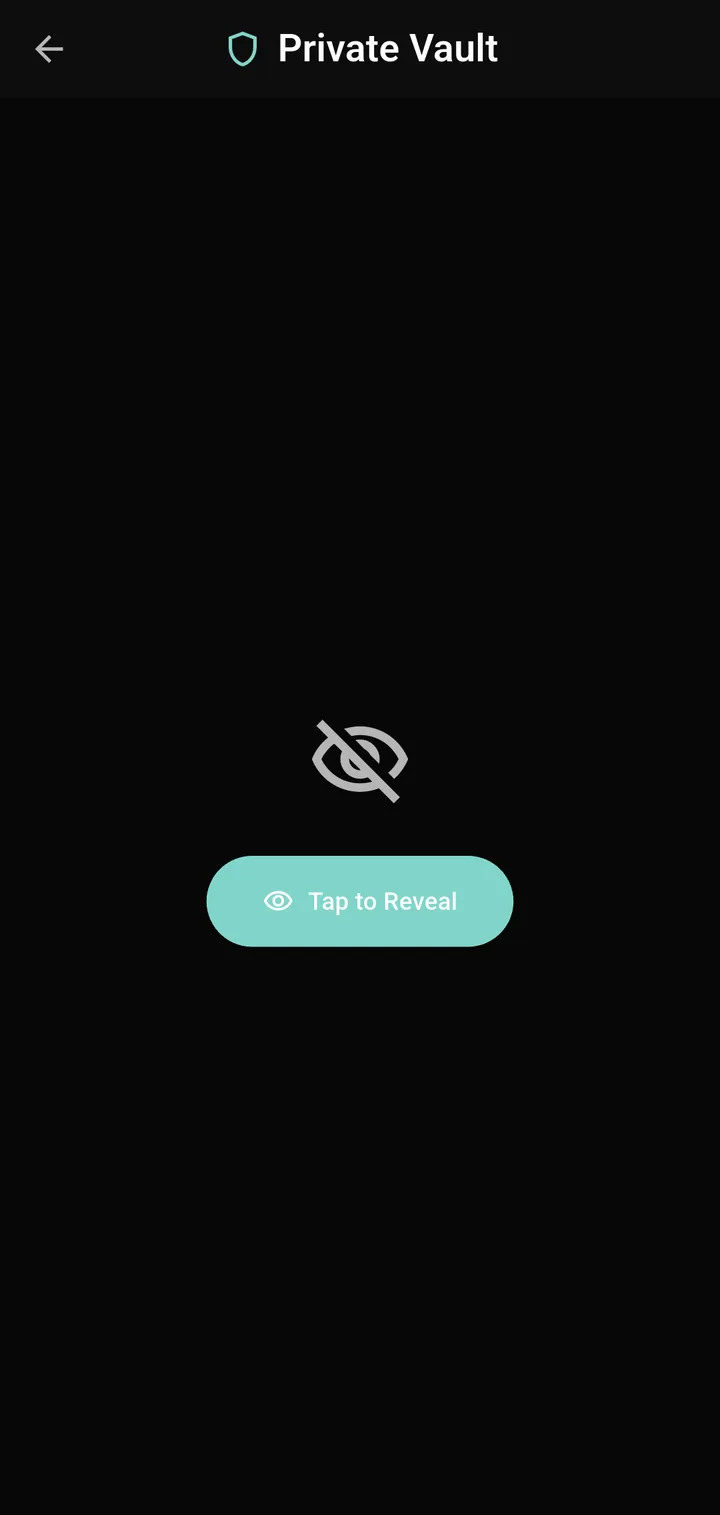
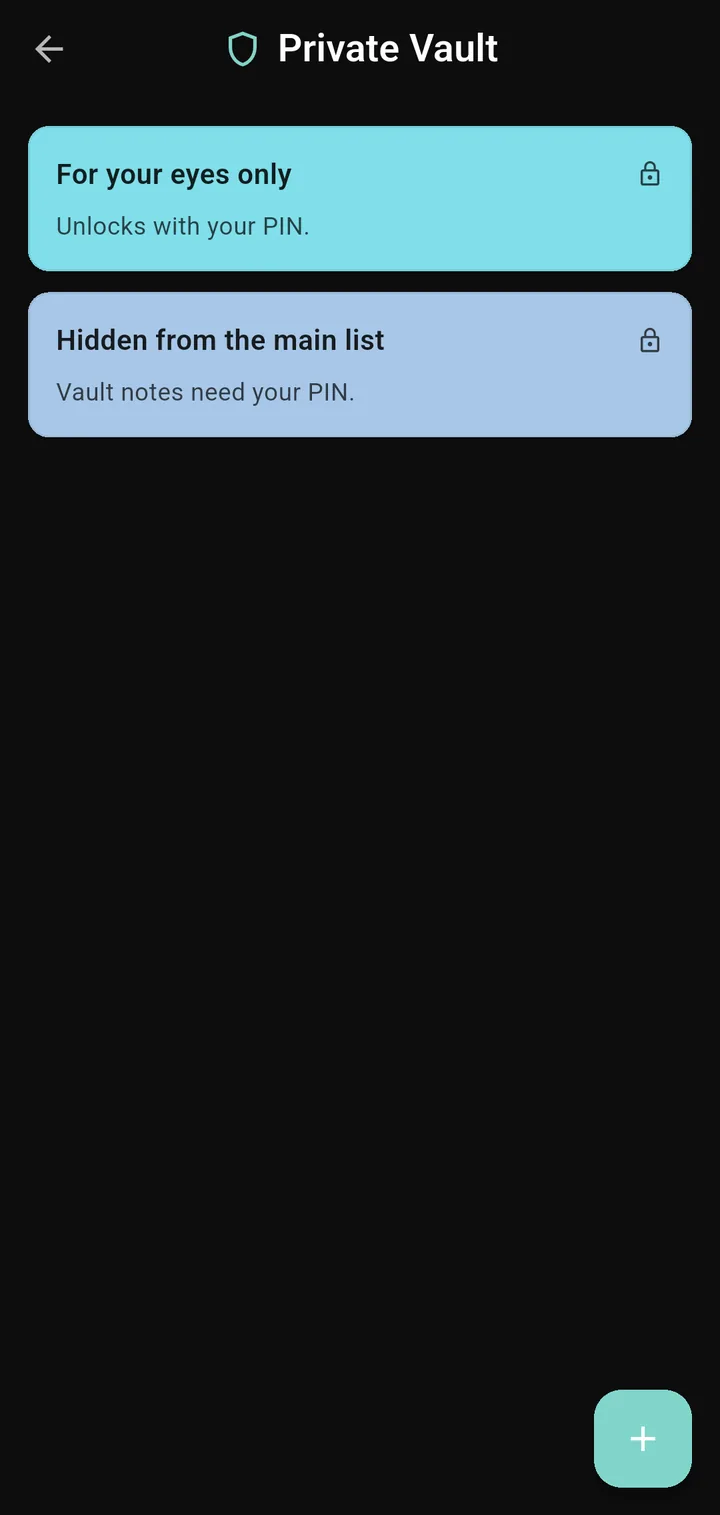
AES-256 encryption protects every note automatically. Set a PIN lock and store sensitive notes in a Private Vault for extra security.
Group notes and filter your list with one tap. Deleting a folder never deletes the notes inside, and you can turn folders off in Settings if you prefer one list.
Bring notes in from plain text, Markdown, Google Keep, Simplenote, or Evernote exports, zip archives included. Duplicates are skipped automatically.
Turn any line into a checkbox and tap to check it off. Checklists mix with regular text in the same note.
Speak your thoughts and let Scrib transcribe them. Quick, hands-free note-taking whenever you need it.
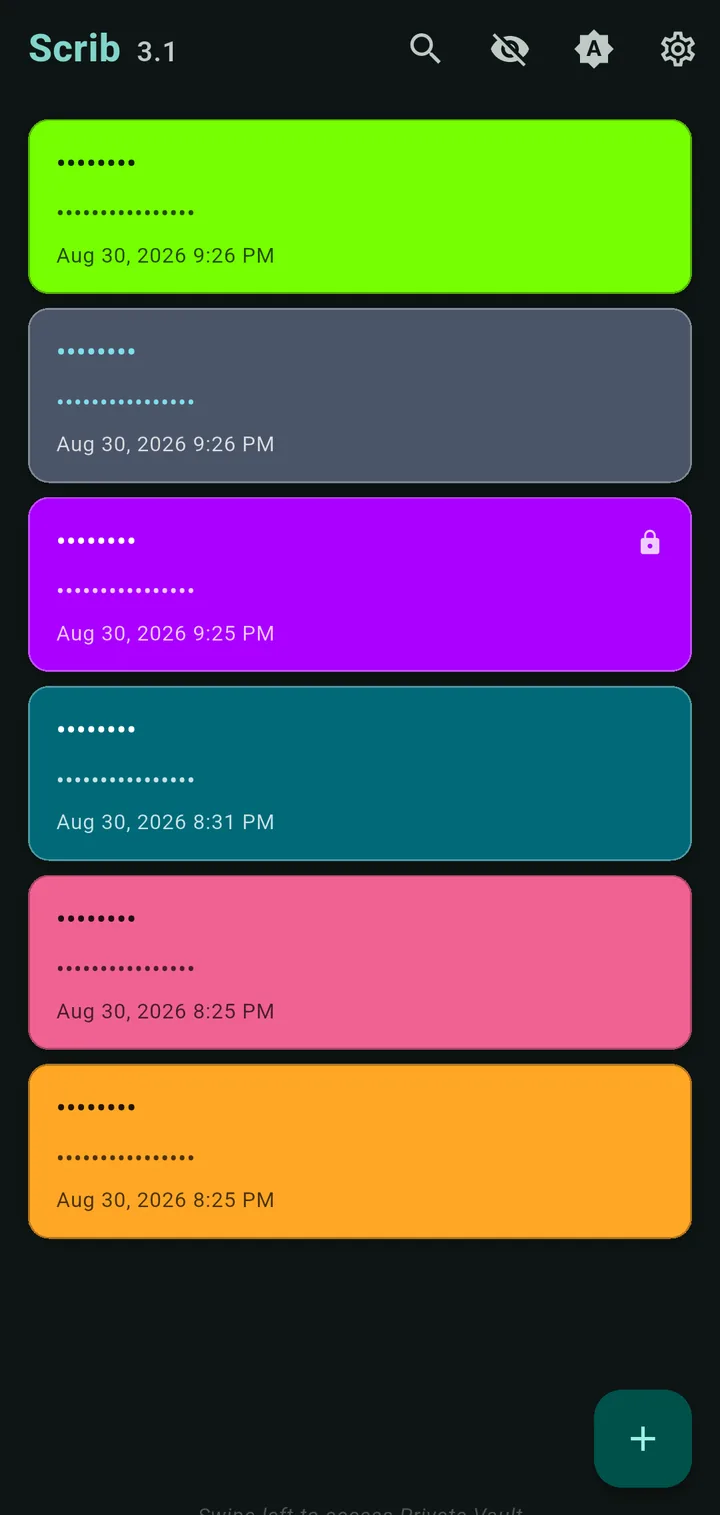
System, light, or dark mode. 16 accent colors. 44 note colors for organization, every one of them readable. Plus a text color per note, tuned to stay readable in both themes.
Small, medium, or large text. Accessible for everyone, everywhere.
No internet required. Ever. Your notes are always available, stored securely on your device and never sent anywhere.
Screen reader friendly with TalkBack support. Designed for everyone to use comfortably.
No ads. No tracking. No data collection. A truly private notes app.
Privacy features side by side, an honest look
| Feature | Scrib | Google Keep | Samsung Notes | OneNote | Apple Notes |
|---|---|---|---|---|---|
| AES-256 encryption | Automatic | No | No | No | Locked notes only |
| Works offline | Always | Partial | Yes | Partial | Yes |
| No account needed | Yes | Google acct | Samsung acct | Microsoft acct | Apple ID |
| PIN lock | Yes | No | Biometric | No | Per note |
| Private Vault | Yes | No | No | Sections | No |
| Zero data collected | Yes | No | No | No | No |
| Cloud sync | No | Yes | Yes | Yes | Yes, iCloud |
| Cross-platform | iPhone, Android + Windows | All | Samsung | All | Apple + web |
Scrib doesn't do everything, but what it does, it does right. See our full comparison.
Colorful notes, powerful features, and security you can see
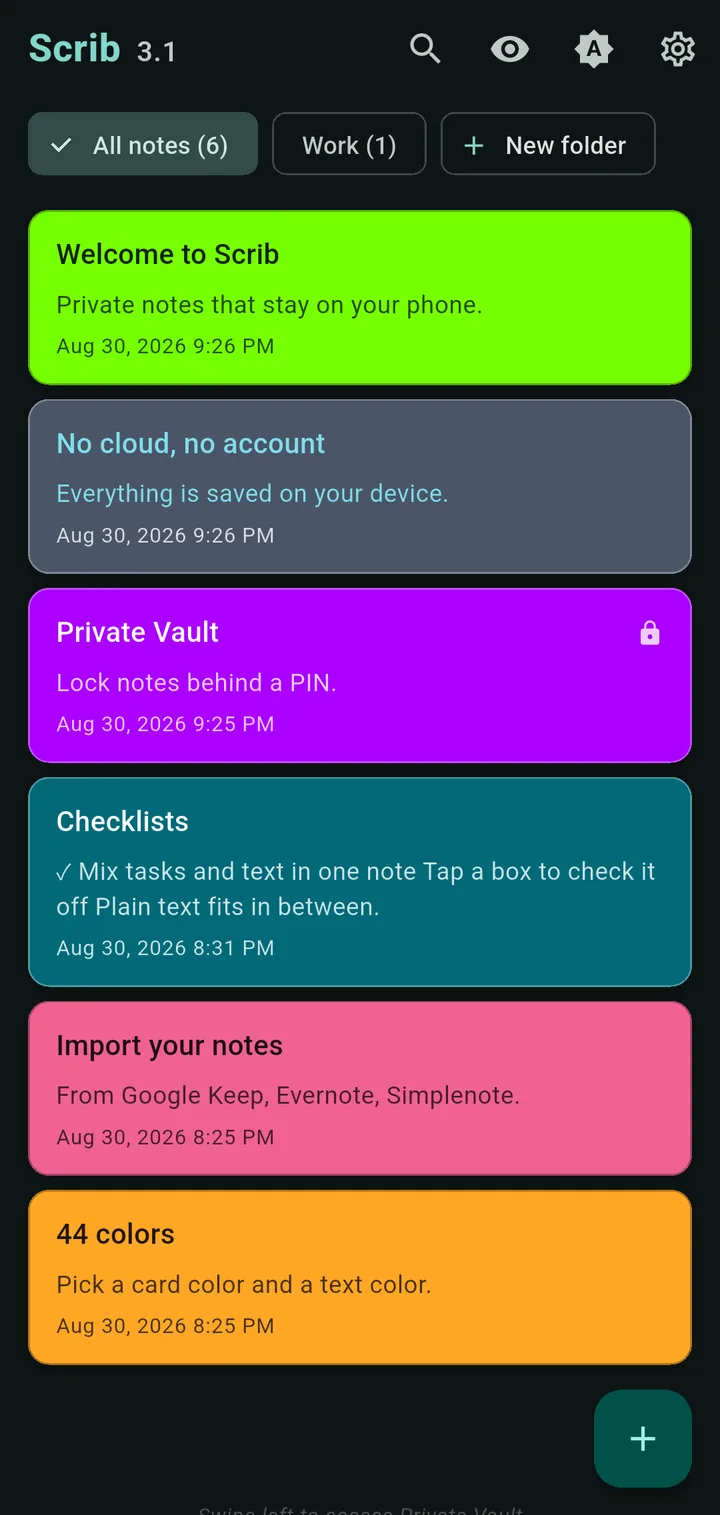
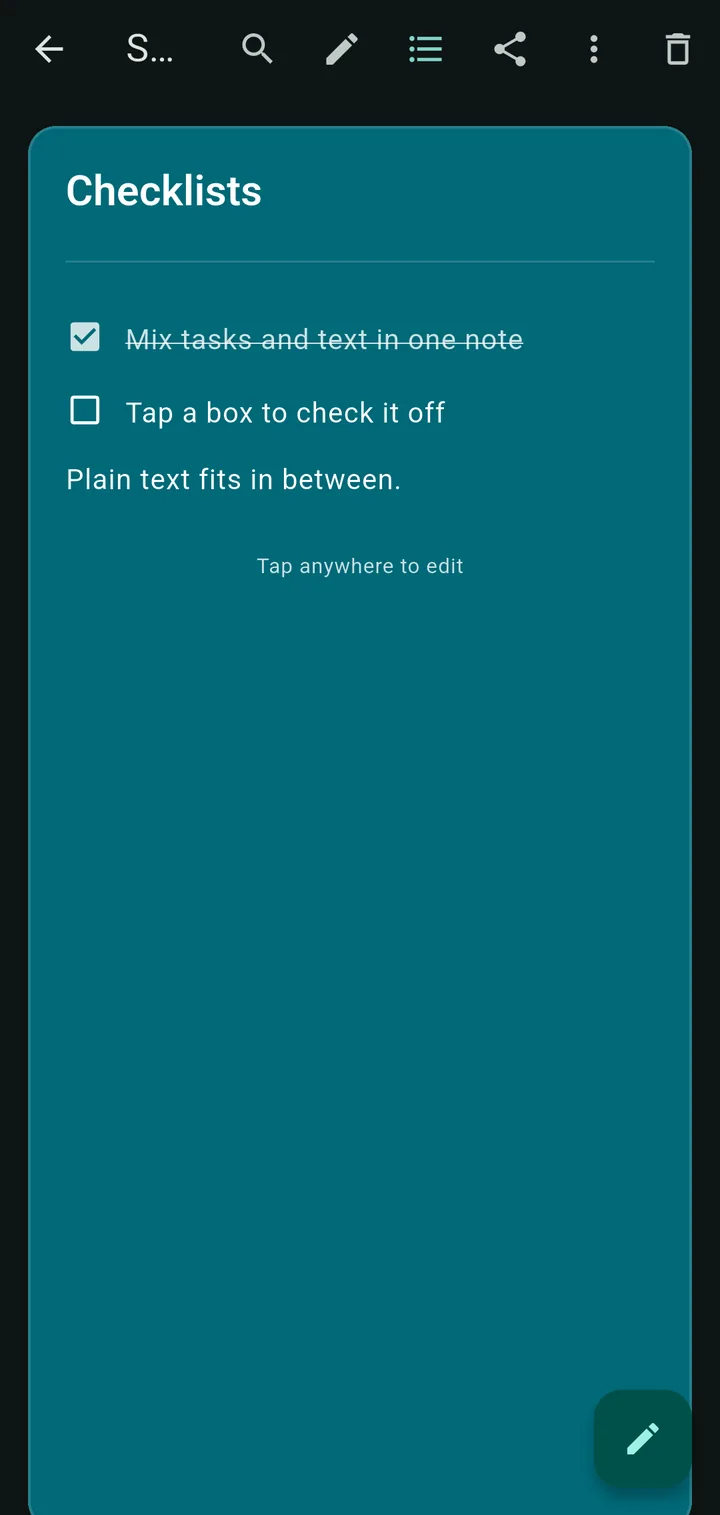
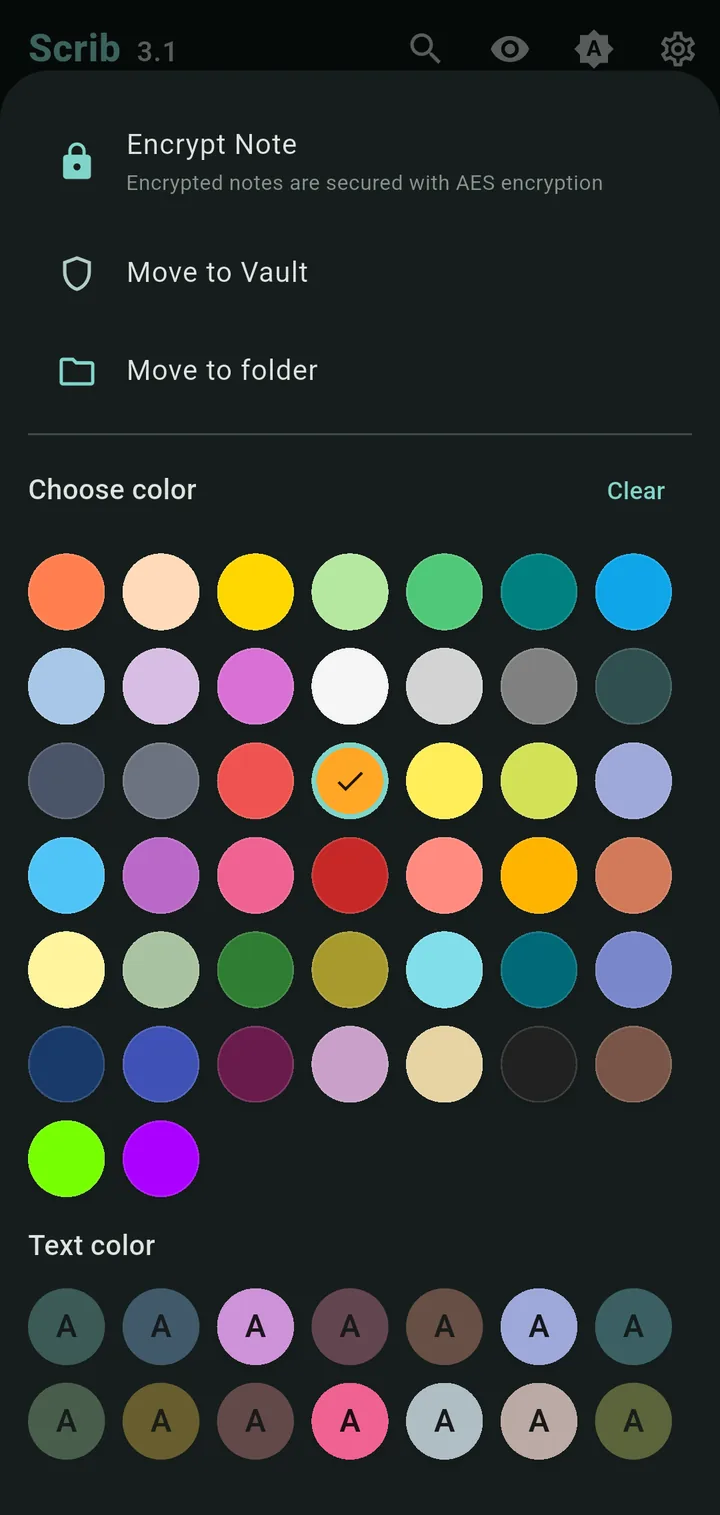
Scrib is a free notes app for iPhone and Android that runs fully offline. Every note is encrypted with AES-256, the keys stay in the Android Keystore or the iOS Keychain, and nothing leaves your phone: no account, no cloud sync, no tracking. A PIN lock with brute-force protection guards the app, a Private Vault hides your most sensitive notes, and deleted notes can be recovered from the trash.
On Windows, Scrib Desktop follows the same rules: an encrypted text editor with rich text and tabs, open source on GitHub.
The blog is where we test claims like these against the apps people already use.
Scrib keeps notes on your device. Email, passwords, and cloud files still have to leave it, so we ran the same who-holds-the-keys test on those tools and wrote down what we found, including the cases where Google's products are the better pick.
Yes, Scrib is free with no ads or tracking. We believe note-taking should be simple and accessible to everyone.
No, Scrib stores all notes locally on your device only. Your notes never leave your phone. There's no cloud sync, no account required, and no internet connection needed.
Yes. Scrib is on the App Store for iPhone (iOS 15 and later) and on Google Play for Android. Both apps encrypt every note with AES-256 on the device, with the key in the iOS Keychain or the Android Keystore, and both have the PIN lock and Private Vault. Notes stay on the phone they were written on, so there is no sync between devices. On Windows, Scrib Desktop is a separate open source editor.
Scrib is built with security and privacy as core principles. All notes are encrypted with AES-256, the same standard used by governments and banks. Unlike most apps, we collect zero data, require no account, work completely offline, and never track user behavior. Plus features like PIN lock, Private Vault, hidden notes, and a trash system with configurable retention.
Yes. Every note gets two layers of protection. First, all notes are automatically encrypted with AES-256 the moment they're saved. This happens behind the scenes. You don't have to do anything. Second, you can add an extra layer of AES-256 encryption to individual notes for even more security. Your encryption key never leaves your device and is stored in a secure area of your phone that even other apps can't access. And since Scrib never connects to the internet, your notes can't be intercepted, leaked, or sent anywhere. Ever.
The Private Vault is a separate, PIN-protected space for your most sensitive notes. Vault notes don't appear in the main notes list. They're only accessible after entering your PIN. You can move any note to or from the Vault at any time.
Yes, Scrib is fully accessible with TalkBack and VoiceOver screen reader support, adjustable text sizes (small, medium, large), high contrast themes, and semantic markup for assistive technologies.

AES-256 encrypted. No tracking. Always private.